Your iRating and licence in every discipline
iRacing gives you one iRating and one licence per discipline. Pitlane HQ keeps each of them, updated every time you join a session, with what your last races gave or took.
Five disciplines, five cards
Oval, sports car, formula, dirt oval and dirt road, each with its iRating, its licence and safety rating as the game shows them.
What your races did
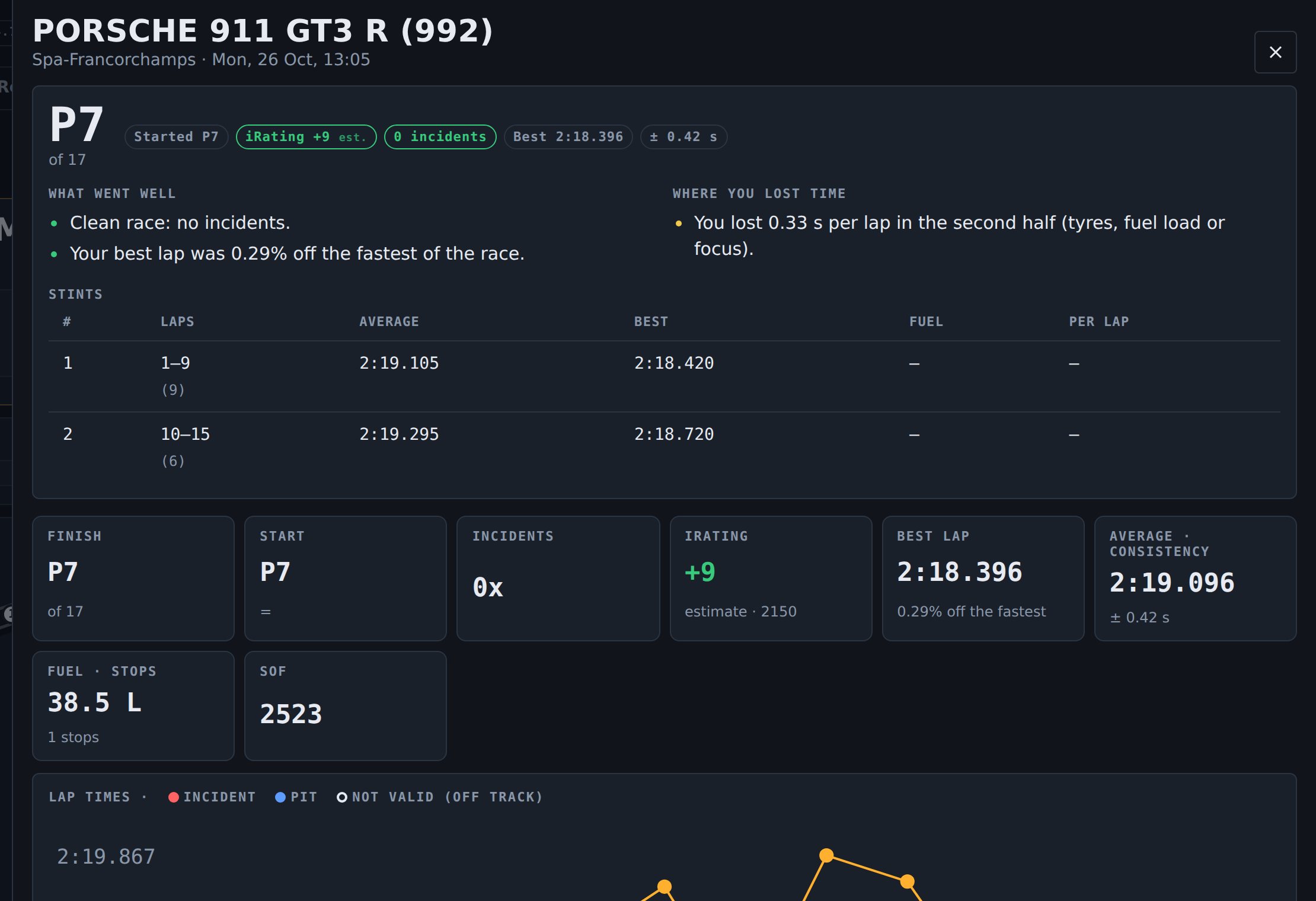
The iRating change of your last races of each discipline, and after every race its estimate, replaced by the real change at your next session.
Race summaries
Your result, positions gained or lost, incidents and laps of every race, next to the drivers around you.
Races against the AI apart
Races against iRacing's AI never touch your iRating, so they show none.
Questions
Do I need to sign in to iRacing?
No. Pitlane HQ Agent reads what the game shows while it runs next to iRacing.
Why is my iRating split by discipline?
Because iRacing keeps one per discipline. Pitlane HQ never mixes them into one number.
Is it free?
Yes.
Guides
- An iRacing coach that uses real laps
- Compare two iRacing laps
- Braking points for iRacing
- Your racing line in iRacing
- A shift beep for iRacing
- Your iRacing telemetry on the phone
- Free telemetry for iRacing and Le Mans Ultimate
- An iRacing fuel calculator that measures every lap
- Where do I lose time in iRacing?
- iRacing overlays
- iRacing leagues
- iRacing lap records by car and track
- iRacing telemetry and a coach for your laps
What is Pitlane HQ
Pitlane HQ (also written PitlaneHQ) is a free sim racing telemetry app for Le Mans Ultimate and iRacing. It is in beta, and everything in it is free during the beta.
Pitlane HQ Agent runs on the Windows PC where you race, and it is also on the Microsoft Store. It records every lap by itself and draws overlays on top of the game, also in VR. The web app and the Android app show your laps with a lap analyzer, lap comparison, sectors and braking points, and a coach that learns from real laps, shows corner by corner where you lose time and gives a plan marked on the track map.
Every lap syncs to your account with your whole history. Pitlane HQ also has live telemetry on your phone, race summaries with the fuel of each stint, leaderboards by car and track, friends, leagues and a Discord bot.